
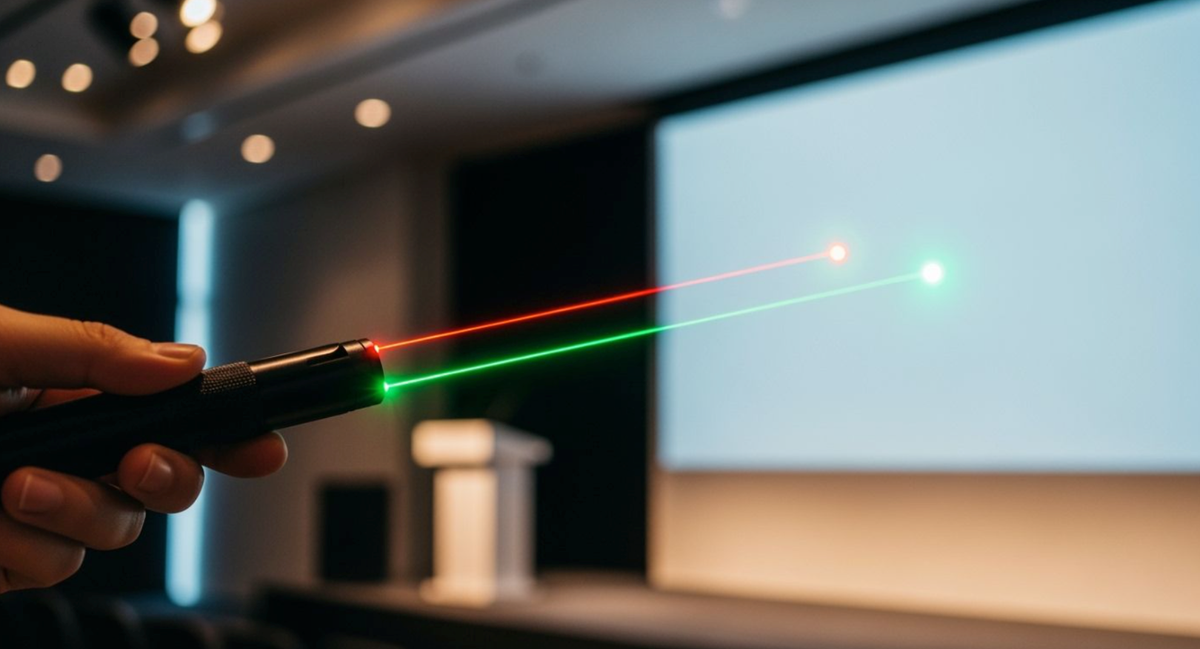
Green laser pointers work exceptionally well in bright rooms and on modern LED screens, while classic red laser pointers are great for normal classrooms and standard indoor settings. Picking the right laser pointer for presentations means looking at human eye vision, indoor light, screen types, battery life, and safety limits under 5mW. Premium options like night sky presentation lasers give extra uses for high-visibility outdoor stargazing alongside indoor events, so choose the best red or green laser tool tailored precisely to your needs.
Key Takeaways
-
Green laser pointers usually appear brighter than red laser pointers at the same output because human eyes are more sensitive to green wavelengths.
-
Red laser pointers are often practical for small classrooms, dim rooms, and standard indoor presentations.
-
Green laser pointers may be easier to see in larger or brighter rooms, but they are not automatically better for every screen or venue.
-
Presentation laser pointers should be low-output, clearly labeled, and used only for pointing—not for high-power, outdoor, or entertainment use.
-
A 5mW limit is not a safety guarantee. Never point a laser at eyes, reflective surfaces, vehicles, aircraft, or public areas.
Red vs Green Laser Pointer for Presentations: Visibility Science

Picking the ideal laser pointer for presentations relies on human eye biology and indoor brightness. A dependable laser pointer for presentations boosts listener focus in different rooms. Special light sensors inside your eyes let you process colors. Knowing these physical facts helps you pick the right tool for any speech location.
Human Eye Sensitivity: Green Laser vs Red Laser Wavelengths
Your eyes process colored light using special cells named cones and rods. In typical room lighting, your eyes use cone cells for daytime vision.
Under photopic, or daylight-adapted, vision, the human eye is most sensitive near 555nm. Green wavelengths such as 520nm and 532nm sit closer to this peak than 650nm red light, so green often appears brighter at the same optical output.
A green laser works close to this top eye perception level. For instance, a 532nm green laser sits right next to your eye's best viewing range.
|
Vision Type |
Photoreceptor |
Peak Sensitivity (λ) |
Peak Color |
Effect on Red Perception |
|
Photopic (Bright Light) |
Cones |
555 nm |
Green-Yellow |
Reds look fairly clear. |
|
Scotopic (Low Light) |
Rods |
507 nm |
Blue-Green |
Reds look darker; blue-greens look brighter (Purkinje shift). |
Due to this eye design, a green laser beam looks over 6 times brighter than a red laser beam with identical power. Eye sensitivity changes when indoor lights dim.
In typical presentation rooms, photopic or mixed indoor vision matters more than true night vision. This is why green often looks brighter than red under normal room lighting.
Display Screen Performance and Brightness
Display surfaces and room light levels impact dot clarity during your presentation talks. Modern meeting spaces usually have room lighting near 500 lux.
Screen surface matters. A laser dot may appear differently on matte projection screens, glossy whiteboards, LED displays, glass panels, or dark backgrounds. In general, matte projection surfaces are easier and safer than shiny or reflective surfaces.
For modern LED or LCD displays, a laser pointer may not always be the best tool. Built-in digital pointer tools, cursor highlighting, or presentation software annotations may work better than a physical laser dot.
Green may improve visibility in some rooms, but it does not guarantee contrast on every display surface. Powerful green laser devices keep maximum brightness in huge presentation halls. Basic red laser items function well on standard projection screens inside dark rooms.
Choosing Green Laser Pointers vs Red Laser Pointers for Indoor Venues
Selecting the ideal laser pointer for presentations requires a careful evaluation of your venue environment. Room size, screen surface material, and ambient lighting levels alter beam visibility directly. Choosing the right light wavelength guarantees that every audience member sees your highlighted points clearly from any seat in the building.
When Red Lasers Excel: Battery Life and Low Light
Red laser pointers are often simpler direct-diode devices, especially in low-output presentation products. This can make them cost-effective and battery-friendly.
However, battery life depends on the specific model, output power, battery capacity, driver design, and duty cycle. Do not assume every red pointer lasts longer than every green pointer.
|
Laser Wavelength |
Typical Continuous Use Battery Life |
|
532nm Beam |
1–4 hours |
|
650nm Beam |
8–16 hours or more |
Technical Reason for the Difference: Green laser diodes often use Diode-Pumped Solid-State technology. This two-stage process generates infrared light before frequency-doubling. That complex process consumes substantially more electrical power than the direct diode emission inside a red laser.
Because of this energy efficiency, practical red laser pointers work wonderfully in dark rooms, small classrooms, or long corporate meetings where battery longevity matters most.
When Green Lasers Excel: Large Rooms and Ambient Light
Green laser pointers can be helpful in larger rooms or moderate ambient light because green appears brighter to human eyes. However, in very bright rooms, sunlit classrooms, or on some digital displays, even a green dot may be hard to see.
For presentation use, choose visibility through room setup first: dim lights when possible, use a matte screen, avoid reflective surfaces, and use digital highlighting tools when a laser dot is not reliable.
|
Presentation Condition / Environment |
Laser Recommendation |
Supporting Rationale from Source |
|
Controlled lighting (dimmed or dark rooms) |
650nm Diode |
Remains perfectly legible and offers longer battery life. |
|
Well-lit rooms or matte projection surfaces |
532nm Diode |
Appears 4–5× brighter than red at the same power level. |
|
Daylight presentations or sunlit classrooms |
532nm Diode |
Necessary for audience readability in high ambient light. |
|
Large lecture halls or sunlit spaces |
532nm Diode |
Wavelength directly affects audience readability in large halls. |
At an identical 1 mW output power and 1 milliradian beam divergence, a green laser produces a glare distance of 490 feet, while a red laser reaches only 255 feet. Tighter beam divergence retains sharp beam brightness over longer distances inside expansive spaces. Versatile speakers frequently choose switchable dual-mode Class 3R devices to shift between power-saving modes and high-visibility modes easily.
When comparing Hgyuskl models or any other presentation laser pointer, check the wavelength, output power, laser class, battery type, focus design, safety label, and intended use. For presentations, low-output and clear labeling matter more than maximum power.
Laser Pointer Safety Regulations and Practical Handling
Understanding Class 2 and Class 3R Output Limits
For presentation use, lower-output products are preferred. Class 2 visible lasers are generally associated with output up to 1mW. Class 3R / IIIa visible laser pointers may reach up to 5mW, but they still require responsible use.
In the United States, FDA guidance limits visible laser products promoted for pointing or demonstration purposes to Class IIIa / IEC 3R, up to 5mW. Products above this range should not be marketed as ordinary presentation pointers.
|
Context |
Power Limit |
Source Citation |
|
Standard Class 2 Definition |
< 1 mW |
General visible light standard |
|
FDA Class 3R Pointer Limit |
5 mW |
21 CFR 1040.10 and 1040.11 |
Safe Presenting Protocols and Eye Hazard Risks
You need to shield your group from accidental eye contacts during work events. High-powered laser projectors need a trained Laser Safety Officer to figure out the Nominal Ocular Hazard Distance for your space. You should seat all viewers beyond this precise safety zone to remove dangers. Pointing lights at shiny surfaces makes risky mirror-like bounces across the area. A 5 mW beam bouncing off glass stays dangerous to eyes past 10 meters. Even a 1 mW bounce can bring instant temporary blindness to viewers.
You need careful safety habits when working near reflective windows or smooth panels. ANSI Z136.1-compliant safety glasses with OD4+ protection at 532 nm stop big eye injuries from sudden beam bounces. You should watch kids closely around working laser devices during live talks. Always keep your main beam pointed straight at non-shiny matte boards.
For presentations, red laser pointers are often enough for small rooms, dim lighting, and standard projection screens. Green laser pointers may be more visible in larger or brighter rooms, but they are not the best choice for every screen.
Before choosing Hgyuskl or any other brand, compare wavelength, output power, laser class, battery life, screen surface, room lighting, and safe-use instructions. For presentation use, choose controlled visibility—not maximum power.
FAQ
Which laser pointer works best on modern LED screens?
Not every LED or LCD screen shows a laser dot clearly. Green may appear brighter than red, but screen brightness, surface coating, reflection, and room lighting all matter. For digital displays, software pointers or cursor highlighting may be more reliable.
Are 5mW laser pointers safe for presentations?
A 5mW Class 3R / IIIa laser can fall within the U.S. limit for visible pointing or demonstration products, but it is not risk-free. Never aim at eyes, reflective surfaces, vehicles, aircraft, or public areas.
Is 520nm direct green better than 532nm DPSS for presentations?
Not always. 520nm direct-diode lasers can be more temperature-stable, while 532nm DPSS lasers may appear slightly brighter at the same output. For presentations, low output, clear labeling, battery life, and screen visibility matter more than the diode architecture alone.
Share:
445nm vs 450nm Laser Beam Visibility and Performance Differences
Green Laser Pointer for Outdoor Use: Visibility Factors, Batteries, and Safety